 Eski Pano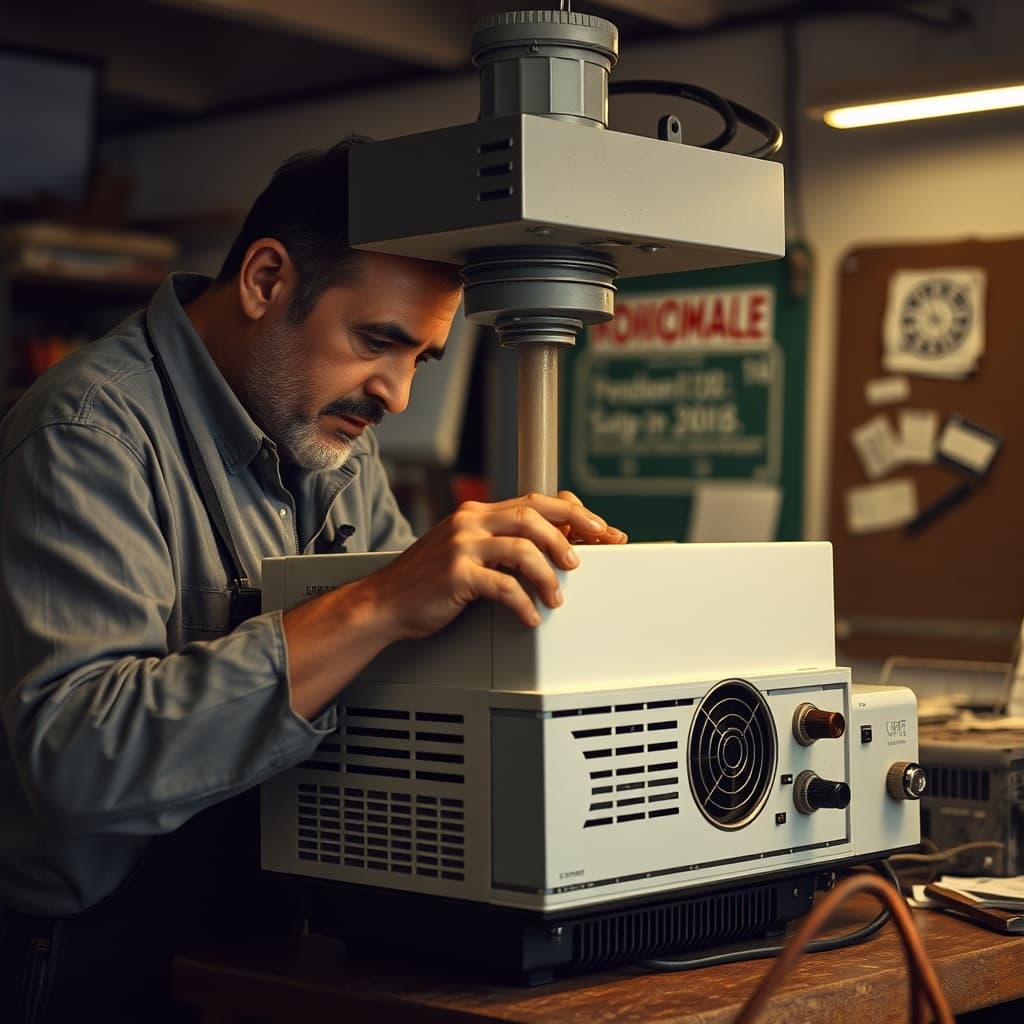
The overhead projector made a handwritten line large enough for an entire classroom to follow. A teacher placed a transparent sheet on the illuminated stage, wrote with a suitable pen and revealed a diagram step by step. When the image dimmed, shook or disappeared, the apparently straightforward machine became a problem for a technician rather than a lesson aid.
Overhead projectors varied in construction, but most coordinated a powerful lamp, reflector, Fresnel lens, projection head, mirror and cooling system. Each component had to remain aligned and clean. Heat was unavoidable, so airflow and safe shutdown mattered. A missing fan or blocked vent could shorten lamp life and damage internal parts.
The Lamp Was Bright, Hot, and Model-Specific
Projection lamps operated at high temperatures and could fail suddenly. Replacements required the correct voltage, wattage, base and optical position. Touching certain lamp envelopes with bare fingers could leave oils that contributed to uneven heating. Technicians allowed units to cool, disconnected power and followed model guidance rather than treating the bulb like an ordinary household lamp.
Some machines included a quick-change mechanism with a spare lamp, reducing interruption during a lecture. That convenience still depended on maintenance and stocked parts. As particular lamps became scarce, a working projector might be retired even though its case and lenses remained sound.
Dust and Alignment Changed the Image
The large Fresnel lens beneath the stage concentrated light. Dust, scratches, heat deformation and incorrect reassembly produced uneven brightness or visible patterns. The projection head needed clean optics and smooth height adjustment. A loose mirror or arm could prevent a sharp rectangular image.
Repairers diagnosed these faults through controlled tests, not random cleaning. Harsh solvents damaged plastic lenses and coatings. Electrical capacitors and mains wiring presented shock risks, while fans could injure fingers when exposed. Specialist service was safer than opening an unknown device at home.
Transparencies Were Part of the Technology
The machine depended on prepared sheets, pens, printers and storage folders. Teachers layered transparencies to build maps or mechanical diagrams, covered sections with paper and wrote additions during discussion. Fingerprints and unsuitable ink reduced clarity. A presentation could be reused and revised, leaving a physical teaching archive.
Storage between lessons also mattered. Machines were covered against chalk dust, allowed to cool before being moved and carried by their proper handles. Coiling the power cable too tightly could strain connections. A labelled cabinet for lamps, pens and transparencies prevented a technically functional projector from becoming unusable through missing accessories.
Digital projectors eventually offered colour, motion and computer integration, but introduced their own cables, formats and software failures. The overhead projector's advantage was directness: the presenter faced the audience while writing. Its limitations included heat, bulky equipment and the cost of lamps and transparency materials.
A Digital Nostalgia Archive can preserve machines with service manuals, lamp codes, classroom transparencies, technician interviews and photographs of use. Power cables should be inspected before demonstration, and historic units should not be operated merely for atmosphere. The overhead projector earned a second life in repair shops because its faults were often legible to skilled hands. Keeping it useful required more than replacing a bulb; it meant understanding how light, cooling, optics and teaching practice met on one illuminated glass stage.