 Eski Pano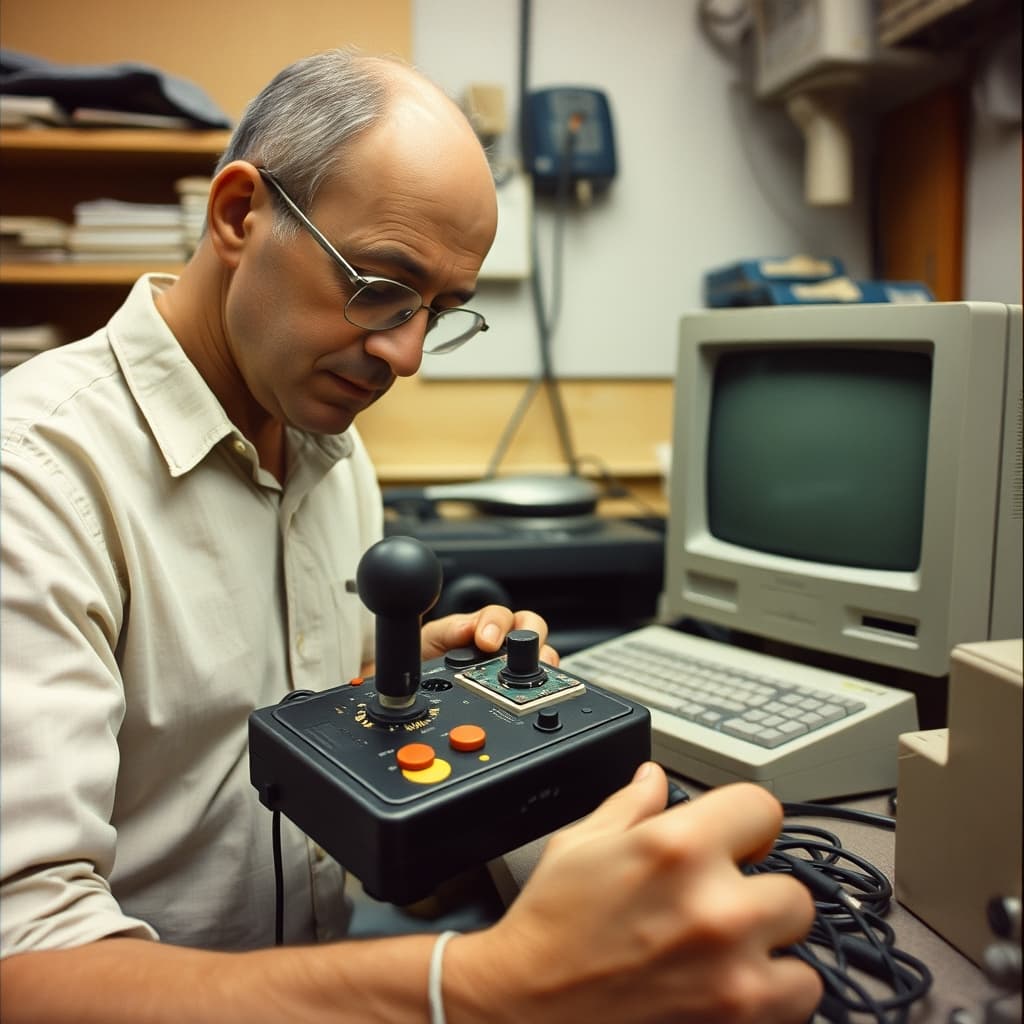
An old joystick remembers play through touch. A worn fire button, polished grip, loose centre, or repaired cable records repeated movement more directly than a screenshot can. When the controller begins to drift, miss inputs, or disconnect, repair can restore both function and a familiar physical vocabulary. That second life begins with identification, not immediate disassembly.
Joystick designs vary across arcade machines, home computers, consoles, flight systems, and decades. Some use simple digital switches; others rely on potentiometers, optical sensors, membranes, Hall-effect components, or proprietary electronics. Connectors that look similar may carry different signals or voltages. Model numbers, pinouts, manuals, board revisions, and host-system compatibility must be confirmed before testing.
The Symptom Did Not Always Name the Fault
A character moving without command might indicate a dirty potentiometer, worn sensor, calibration problem, damaged cable, software setting, adapter, or fault in the host device. A button failure could come from the switch, membrane, solder joint, trace, connector, or game configuration. A technician reproduces the problem, tests inputs, and isolates each part of the chain before replacing components.
Mechanical feel matters as much as electrical continuity. Spring tension, gate shape, travel, dead zone, microswitch force, and grip geometry determine how a controller responds. A generic replacement may technically work while changing the historical experience. Measuring original parts and documenting adjustments helps repairers balance reliable play with material authenticity.
Cleaning Required Material Knowledge
Dust, skin oils, drink residue, corrosion, and degraded lubricants collect inside controllers. Power and batteries must be removed before work. Household sprays, excessive liquid, abrasive pads, and unverified solvents can damage plastics, printed legends, carbon contacts, rubber, adhesives, and circuit boards. Appropriate electronics cleaners and plastic-safe methods should be used sparingly with ventilation and protective equipment.
Battery compartments demand special caution. Leaked alkaline cells can cause chemical burns and corrosion; damaged rechargeable packs may present fire risk. Batteries need suitable handling and authorised recycling. A swollen pack should not be charged or pierced. Controllers connected to mains-powered legacy equipment should be tested only after the host system's electrical safety has been assessed.
Repair Choices Shape the Archive
Original cables, switches, knobs, screws, labels, packaging, and circuit boards carry evidence about manufacture and use. Parts harvesting from another controller can save one object while sacrificing another, so donor provenance should be documented. Reproduction parts should be labelled as such. Irreversible drilling, repainting, or connector conversion may reduce future research value.
Not every repaired joystick must return to heavy play. Rare, fragile, or culturally significant examples may need limited demonstrations with a replica available for visitors. Working controllers should be tested without forcing brittle plastic or over-tightening screws. Service records should list symptoms, measurements, cleaning agents, parts, firmware or adapters, and the technician.
Accessibility expands the meaning of preservation. Button remapping, alternative grips, lower-force switches, mounts, longer cables, and adaptive interfaces can let more people experience software. Such modifications should be safe, reversible where possible, and documented. Historical authenticity should not become an excuse to exclude players whose bodies interact with the controller differently.
A Digital Nostalgia Archive can connect joysticks with consoles, game software, manuals, advertisements, repair notes, tournament stories, family photographs, and recorded gameplay. Repairers give the controller another life by treating the signal path and the player's hand as equally important. Preserving play means keeping scratches and feel alongside compatibility, safe electronics, honest replacement parts, accessibility, and the social memories created around a shared screen.