 Eski Pano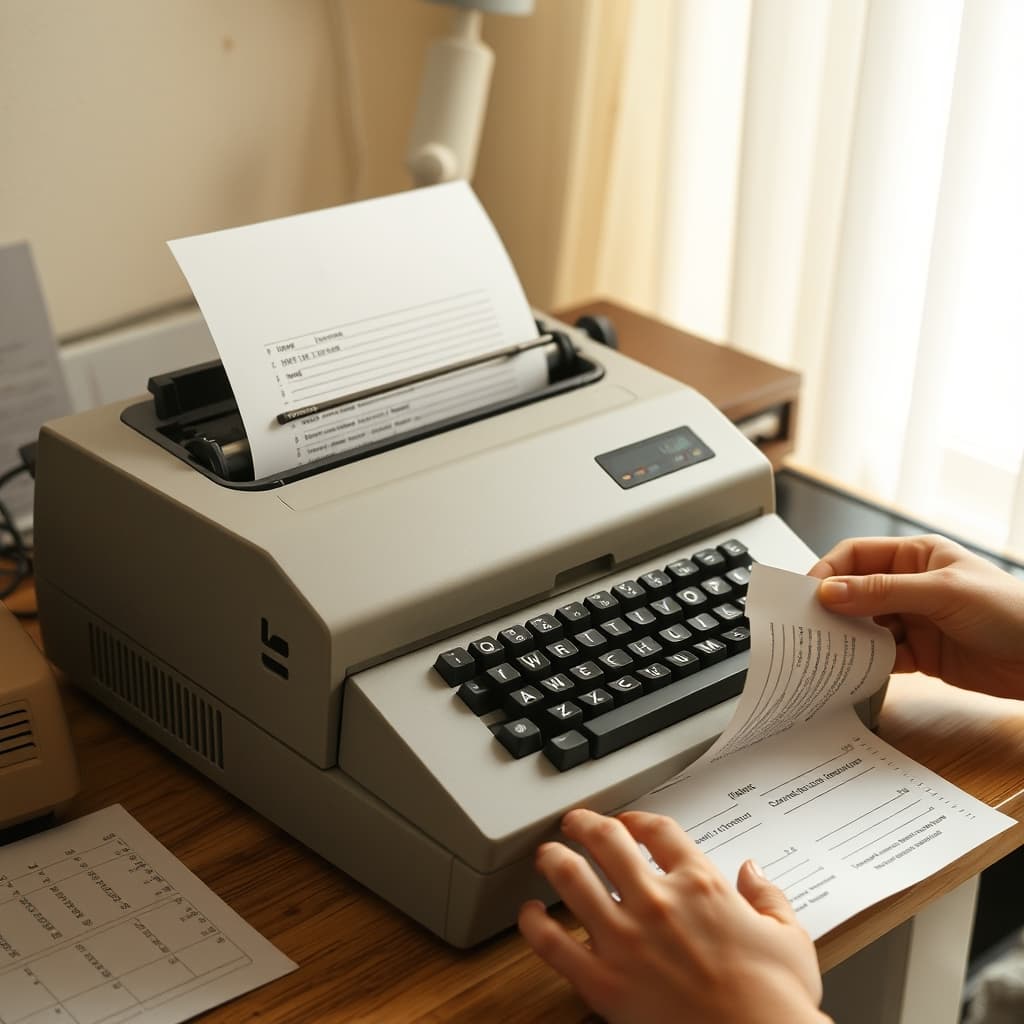
The sound of a dot-matrix printer could gather a family around a desk, but the page itself explains more than the familiar mechanical chatter. Continuous stationery arrived as a connected stack, guided by rows of holes along its edges. The printer advanced it line by line, and the finished sheets still had to be separated, trimmed and put in order. Printing was not complete when the noise stopped.
Machines, paper feeds and software varied widely. Some printers accepted individual sheets as well as tractor-fed paper; some jobs used multipart forms, while ordinary household pages did not. The period also spans changing computer systems and connections. A careful archive identifies the particular machine and document instead of treating every perforated page as evidence of the same domestic routine.
The Paper Had to Travel Straight
The edge holes engaged with the printer’s tractor mechanism. If the paper began at an angle, slipped free or met an obstruction, lines could drift and pages could be spoiled. Loading therefore demanded attention. The stack needed space to feed and somewhere to collect without folding back into the machine. A cramped living-room table turned paper management into part of the household choreography.
Margins and page length mattered. A document that looked correct on screen might cross a perforation or leave an unexpected blank section after printing. Trial pages consumed paper and ribbon but also taught users how software settings met a physical sheet. This was practical learning, often shared between relatives rather than acquired from a single manual.
Copies Were Made by Pressure
Impact printing could mark more than one layer in suitable multipart stationery. That made the technology useful for invoices, delivery forms and records requiring simultaneous copies. Carbon or carbonless systems should not be assumed without examining the surviving form. Layer colour, impressions, detached sheets and printed instructions may help identify how a specific document worked.
At home, a multi-copy form could bring office procedure into an ordinary room. One sheet might travel, another remain in a folder. This was less visually dramatic than the printer’s motion, yet it reveals why the technology lasted in settings where producing linked records mattered more than quietness or photographic quality.
Ribbon Changes Exposed the Mechanism
Faint characters signalled several possibilities: a worn ribbon, an incorrect setting, dirty or damaged parts, or a document designed to print lightly on a lower layer. Replacing a ribbon cartridge required matching the machine and following its actual instructions. Ink could mark fingers and fabric, but a messy memory is not a maintenance guide. Unknown old equipment should be disconnected and assessed before demonstration.
The print head struck a pattern of dots rather than drawing a continuous letterform. Different modes, fonts and ribbon condition changed the appearance. A faded page is therefore not automatically a poor original, and a crisp scan can conceal the material clues of impact and paper texture. Side lighting and close detail can document indentation as well as ink.
The Last Task Was Finishing the Page
After printing, the user separated sheets at the horizontal perforations and removed the holed side strips when a clean page was wanted. Tearing too quickly could damage the document. The discarded edges accumulated in curls or chains and became an unofficial toy in some homes, although memories differ. The modest act of trimming converted machine output into a letter, homework page or family record ready to be handled.
Preserve a representative sheet with its margins when possible, rather than making every page look like modern office paper. Record the printer model, software, approximate date and purpose only when supported. Personal data in forms and letters must be protected. The continuous stack, faint draft and final trimmed copy belong to one workflow, but they may require different access rules.
For a Digital Nostalgia Archive, the dot-matrix printer is not only an audio memory. It is a system of holes, folds, pressure, alignment and patient finishing. The excitement around the first lines was genuine, but so was the work after them. Following the paper from unopened stack to ordered pages restores the human decisions that the machine’s famous noise can otherwise drown out.