 Eski Pano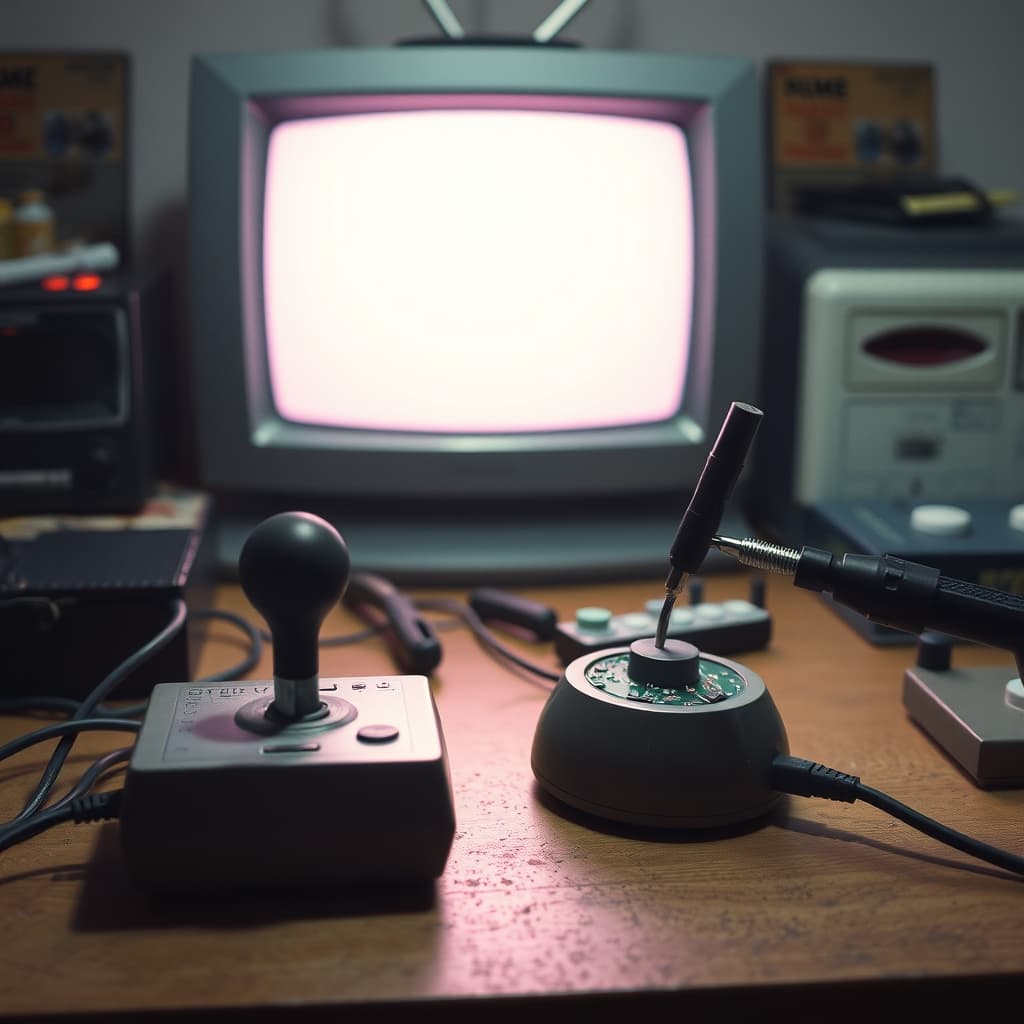
A well-used joystick carried the pressure of thousands of decisions. Its stick leaned toward favourite directions, the fire button lost its crisp response, and the cable developed a bend where it left the case. When movement began to fail on screen, players often twisted the plug, pressed harder, or blamed the game. A repairer approached the same symptoms differently, separating mechanical wear, electrical faults, connector trouble, and software or console problems before replacing anything.
Retro joystick is a broad description rather than one standard design. Early home computers and consoles used different connectors, wiring arrangements, switches, potentiometers, membranes, and protocols. Even physically similar plugs were not always electrically compatible. The antenna phrase sometimes attached to memories of old gaming rooms belongs to television reception, not joystick operation. Turning a television aerial might improve the picture from an RF-connected console, but it did not repair the controller or carry its commands.
Diagnosis Began Outside the Case
A technician first inspected the plug, cable, strain relief, buttons, and stick movement. Testing the controller with a known working system—or testing the system with a known working controller—helped locate the fault. A multimeter could check continuity and switch behaviour when the pinout was known. Randomly shorting pins or trying an unknown adapter risked damage to hardware that had become difficult to replace.
Intermittent faults demanded patience. A cable might conduct while straight and fail when bent. Oxidised contacts could respond only under excessive pressure. A cracked solder joint could open as the case moved. The visible symptom on screen rarely identified the defective part by itself. Methodical testing was the difference between repair and hopeful parts swapping.
Inside, Simple Did Not Mean Careless
Many joysticks appear mechanically simple, yet their cases contain springs, clips, flexible parts, small screws, and carefully positioned contacts. Opening without noting orientation can create a new fault. Cleaning materials must suit plastics and electronic contacts; aggressive solvents may cloud or weaken old material. Excess lubricant attracts dirt or interferes with conductivity. Before disassembly, photographs and a labelled parts tray reduce mistakes.
Repair choices affect historical value. Replacing a broken cable with a safe compatible one may restore use, while drilling a case for a modern switch permanently alters the object. There is no single correct answer for every controller. Owners should decide whether the priority is regular play, demonstrable operation, or preservation of original construction, and document any replacement parts honestly.
The Test Game Was Part of the Bench
After repair, success required more than one movement on a menu. Directions, diagonals, buttons, rapid input, cable movement, and a sustained session could reveal faults that a brief check missed. A familiar game gave immediate feedback, but diagnostic software or a test adapter could be more systematic. The repairer listened to the player too: knowing when the problem occurred and which action triggered it often shortened the search.
This collaboration gave controllers a second life and supported a wider local ecology. Independent technicians reused serviceable parts, improvised replacements within safe limits, shared wiring knowledge, and kept machines useful after official support ended. Their work reduced waste long before electronic sustainability became a common public phrase. It also made gaming possible for households that could not simply buy another controller.
Preserving the Controller and Its Hand Memory
An archive should record model markings, connector, cable length, internal layout, repairs, compatible systems, and the games associated with the object. Demonstration video can capture the grip, button rhythm, and sounds that still photographs miss. Unknown hardware should not be connected until compatibility is verified. Brittle cables, leaking components, corrosion, or mains-powered test equipment require appropriate expertise.
The retro joystick deserves attention because it joined design to learned movement. Players developed timing and pressure; repairers learned how those gestures wore particular parts. Its second life was not magic and did not come from an antenna. It came from observation, measurement, manual skill, available spares, and a willingness to understand a modest device rather than discard it. Preserving that process keeps both early home play and the culture of repair within reach.